LearnSelf
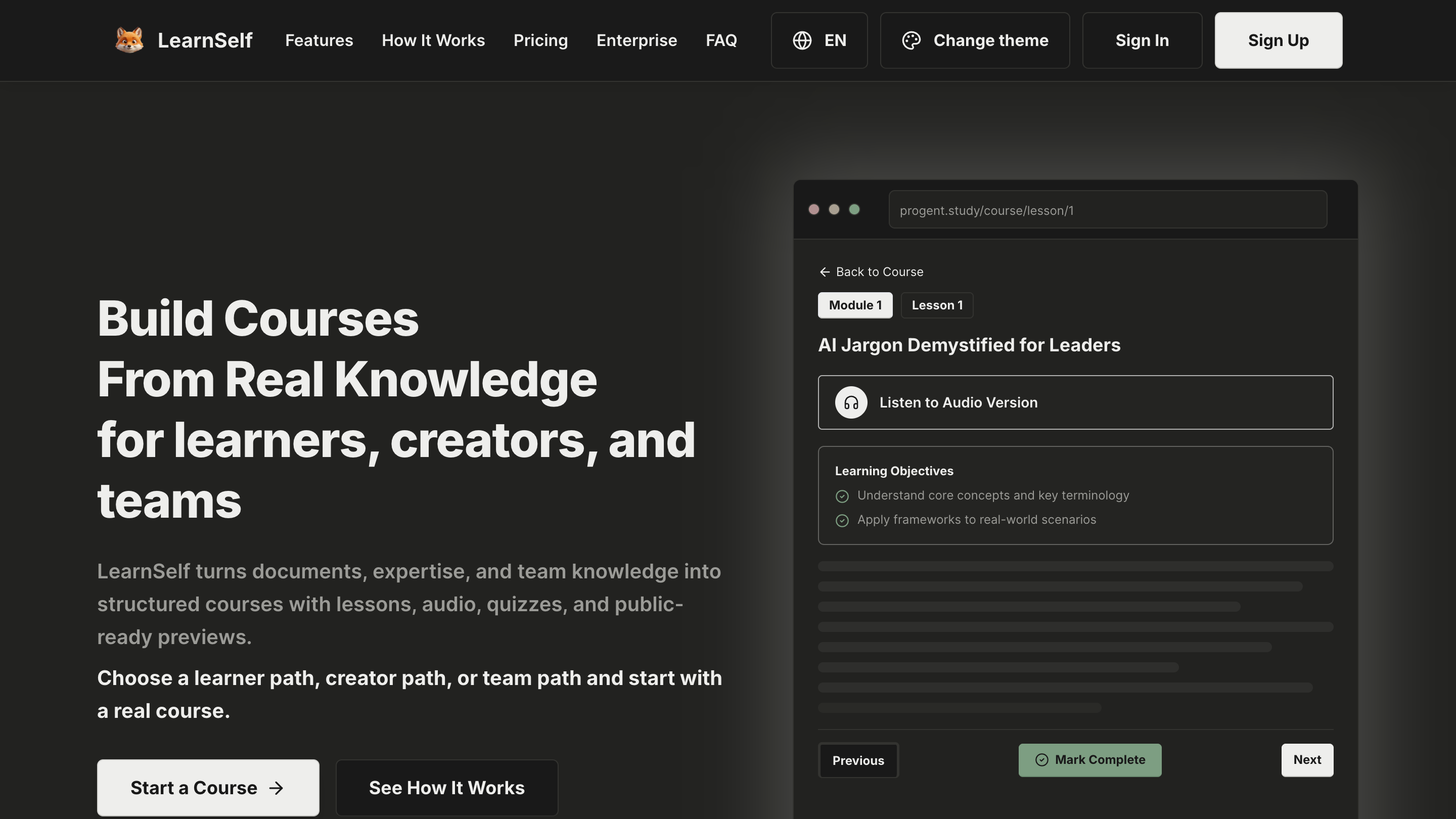
Built an agentic AI learning platform that turns source material and learner context into structured courses, lessons, quizzes, audio, video, and AI tutor support across web and mobile.
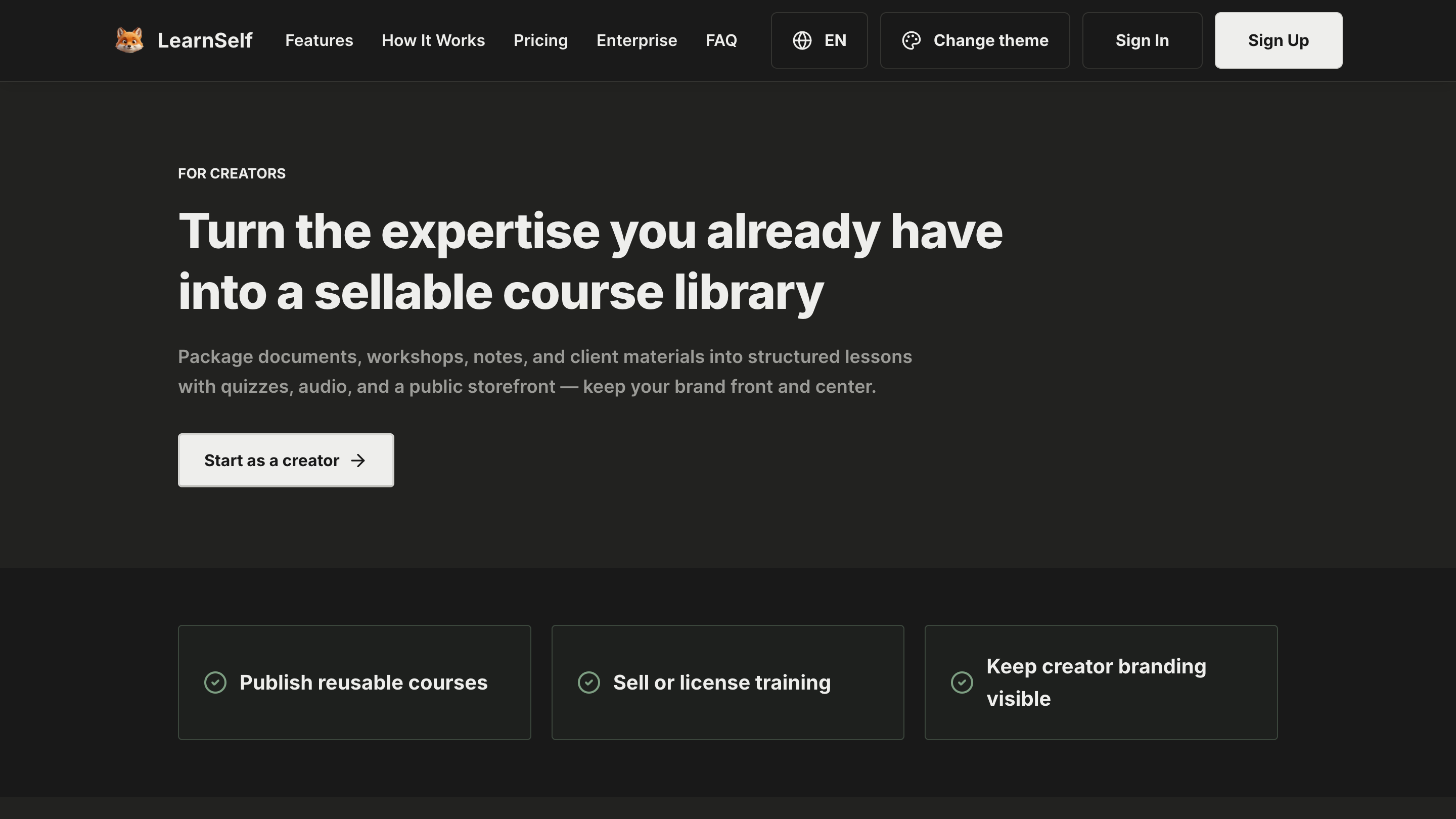
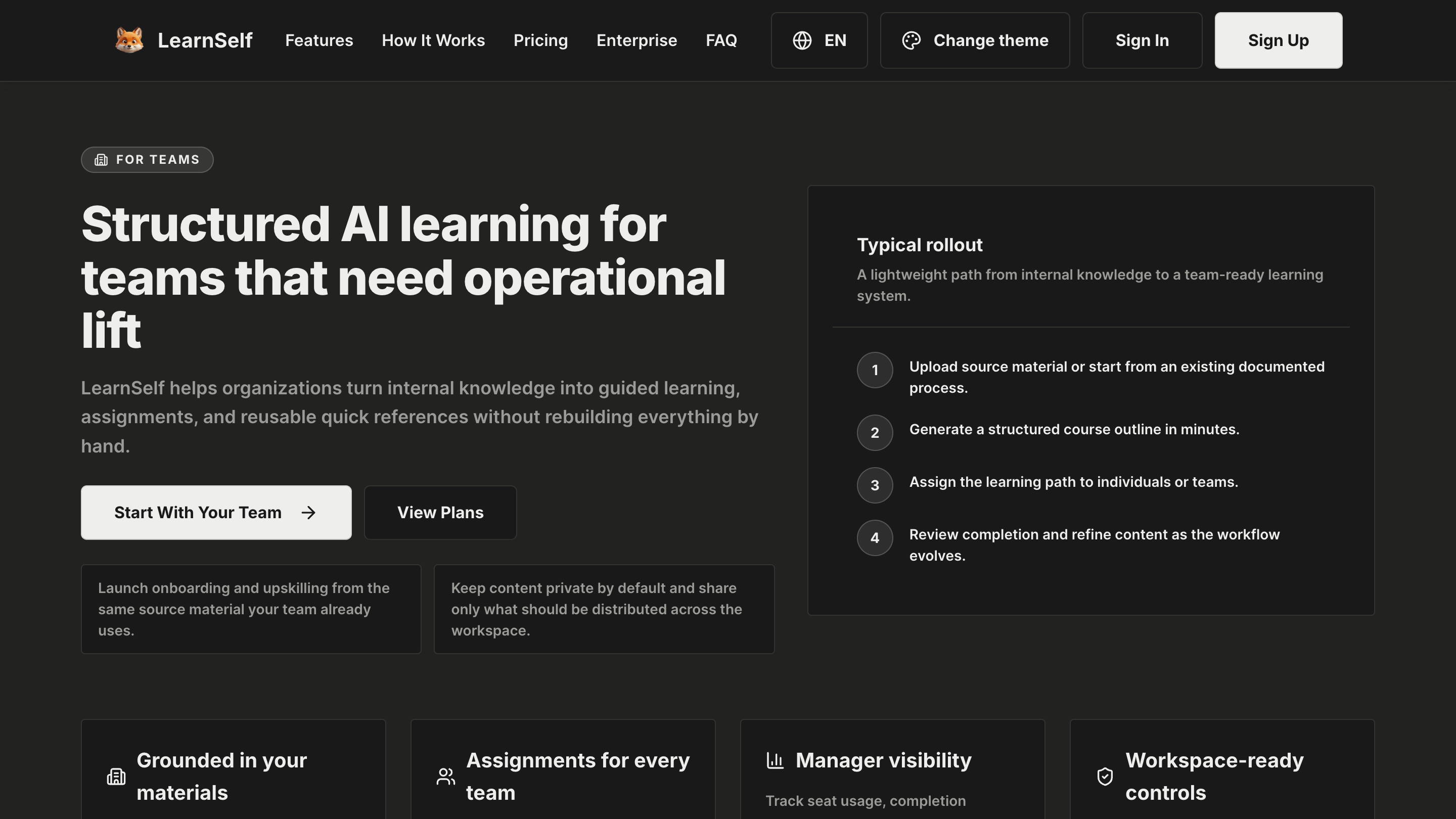
- Expanded a single course generator into a multi-surface learning system for learners, creators, teams, and mobile users.
- Built AI generation, tutor, RAG, audio, video, and quick-reference workflows around provider-aware execution and learner memory.
- Connected the product to PostgreSQL/Prisma data models, MinIO media storage, Polar billing, and Expo mobile delivery.
Context
LearnSelf started from a simple observation: most learning products either give people a chat box or a static course library, while real learners need guided paths that adapt to their goals, materials, and context.
Problem
Standard course platforms are content libraries, not adaptive systems. They can recommend topics, but they rarely turn raw documents, team knowledge, or learner goals into a full study experience with lessons, practice, media, and ongoing tutor support.
Approach
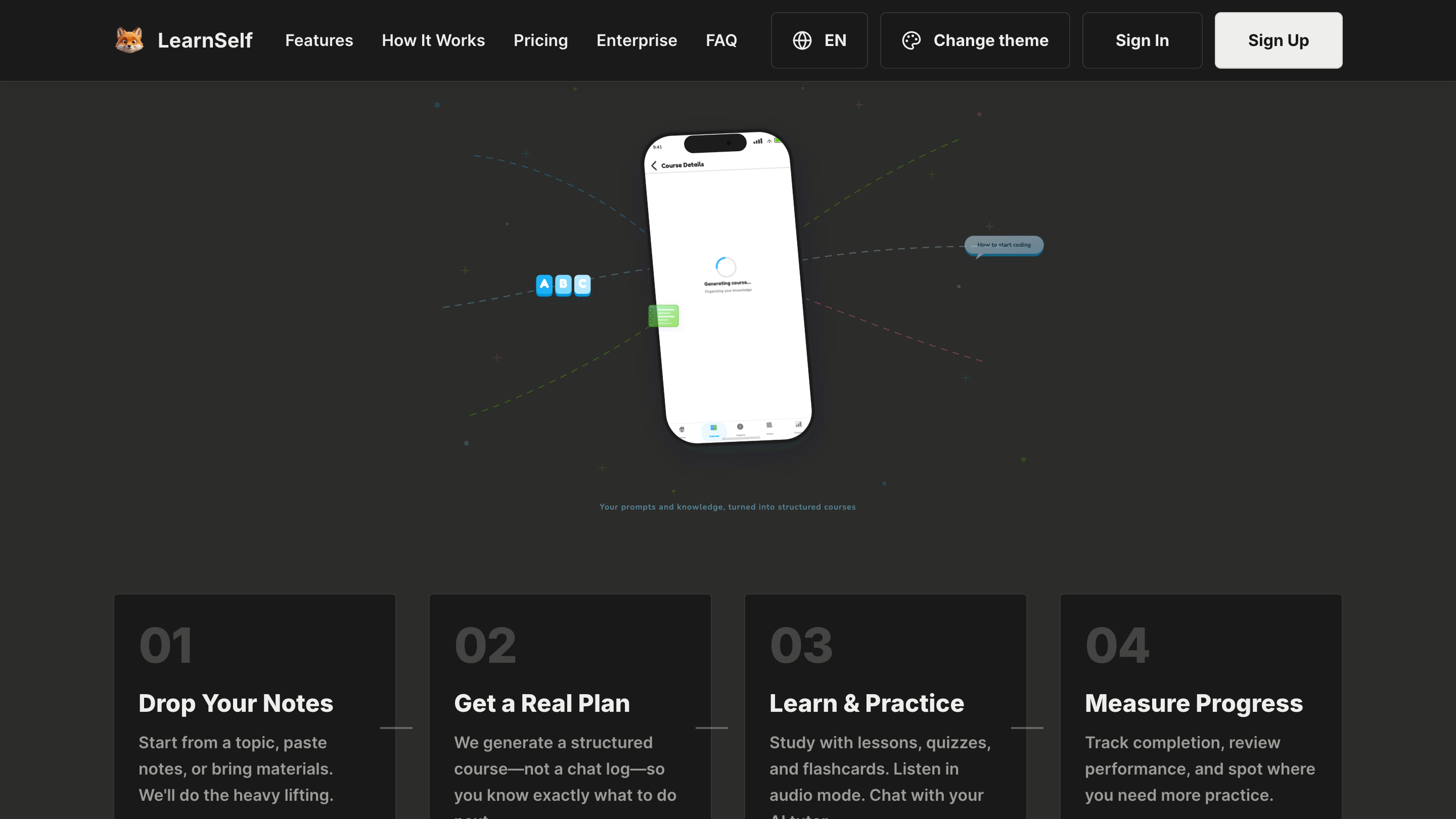
I shaped the product around an agentic course-building workflow. The system collects a topic, source material, and learner context, then coordinates AI generation across outlines, lessons, quizzes, flashcards, quick references, audio, video, and tutor interactions.
The product had to feel like a learning platform, not a prompt wrapper, so the AI layer is backed by real application state: course records, learner memory, progress tracking, media jobs, provider preferences, and billing constraints.
What Shipped
- A learner web app, creator/admin surface, Expo mobile app, and NestJS API around one learning backend.
- AI course generation that turns topics, uploaded material, and workspace knowledge into structured lessons and practice.
- An AI tutor flow grounded in course content, document context, embeddings, and learner memory.
- Audio, video, quiz, flashcard, and quick-reference generation so a course becomes more than text.
- Production plumbing for Prisma/PostgreSQL data, MinIO media storage, Polar billing, and provider-aware AI execution.
Results
- LearnSelf is a stronger example of an agentic AI app than a single-purpose demo because the AI work spans planning, generation, retrieval, tutoring, media, and product state.
- The product turns learner context and source material into concrete workflows instead of leaving users to manage prompts themselves.
- The multi-surface architecture supports individual learners, creators, teams, and mobile study without splitting the core learning model.
Technical Notes
The current implementation combines React 19 and Vite for the learner and admin web apps, Expo/React Native for mobile, NestJS for the API, Prisma with PostgreSQL for product data, MinIO for media storage, Polar for billing, Gemini and provider-aware AI services for generation, and Remotion for AI video rendering. The hardest part was turning AI generation into a dependable product workflow instead of a loose chain of prompts.
Keep going
Related writing: 🚀 Startup Grant Stack: $500k+ in Credits for Founders in Korea & Uzbekistan (and beyond)
A comprehensive guide to free startup grants, cloud credits, and non-dilutive capital available for founders in December 2025. Your 'Synthetic Seed Round' awaits.